Turn your website into an installable app, without the app stores
Use the PWA builder to give visitors a one-tap install from your short links, and see every prompt and install.
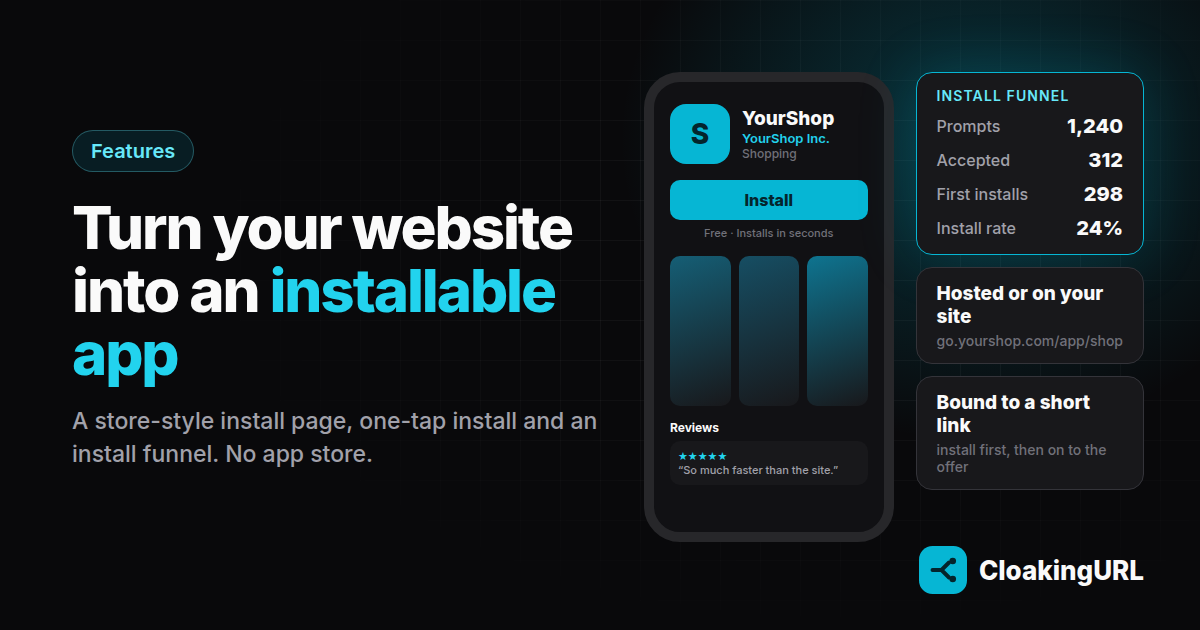
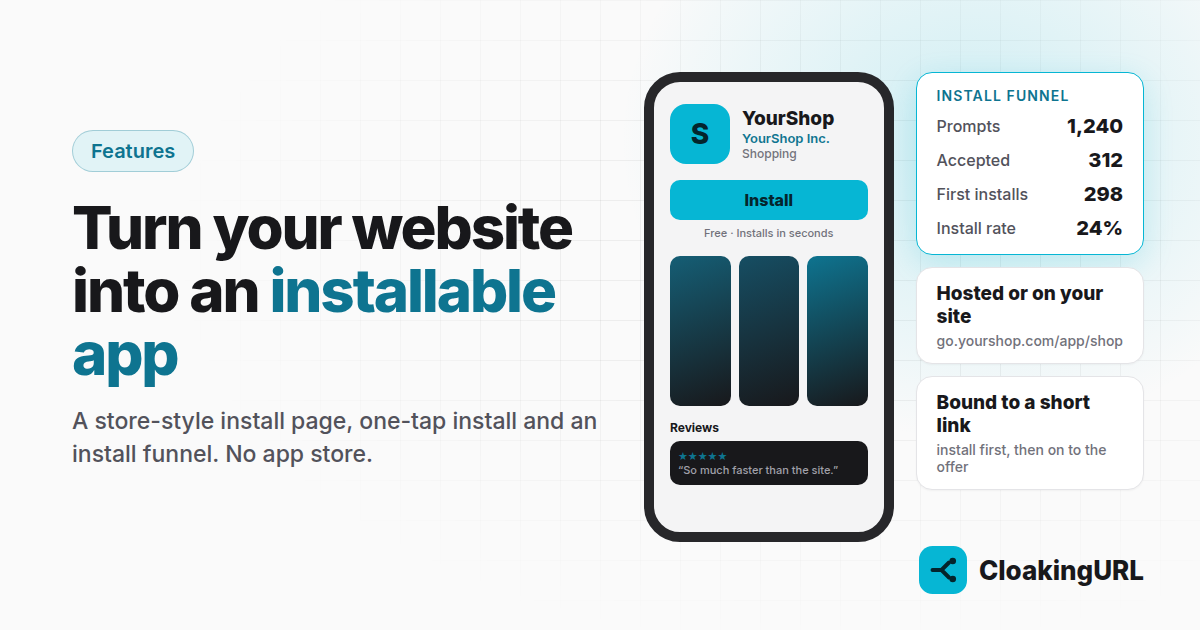
Getting into a customer's home screen is worth a lot: people open apps far more often than bookmarks. But building and publishing a native app takes months and an app-store review. A progressive web app (PWA) gets you most of the way with the website you already have.
What the PWA builder does
The PWA builder (on every plan) wraps your website in an installable app:
- An install page on your domain, at
go.yourbrand.com/app/shop, in a Play Store, App Store, Hero or Minimal design. - A one-tap install in browsers that support it (Chrome, Edge and Samsung Internet), and clear step-by-step instructions on iPhone.
- After installing, the app opens your site with your name, icon and colour, straight from the home screen.
- A store listing of your own: description, portrait or landscape screenshots, and reviews shared by you. Chrome shows its richer install dialog when a description and screenshots are present.
- A Preview of the install page, with checks for everything browsers require to offer the install (icon, screenshot sizes and more), before you share anything.
Two ways to deliver it
- Hosted by us: nothing changes on your website. The install page and app shell run on your short-link domain. Ideal if you can't touch the site, or it runs on a platform that doesn't let you add files.
- On your own site: you add two files (a manifest and a service worker) to the root of your site, plus a short snippet, and the installed app is your site, full-screen. Best when you control the code. The snippet also shows an Install app banner, because browsers otherwise offer installs quietly or not at all (Chrome only after some engagement, iPhone never), following the custom install experience pattern. MDN explains what makes a PWA installable if you want the details.
Put the install in front of a link
The part marketers like most is binding an app to a short link. People who click that link see the install page first, then continue to wherever the link would normally send them, including its country rules and A/B split. Your existing campaigns become install campaigns without changing a single ad. Bots skip the install page automatically.
Example: a shop that wants repeat buyers
A fashion shop runs weekly promotions through go.yourshop.com/sale.
- Create a hosted PWA called “YourShop” pointing to the shop, with the Play Store design.
- Upload a 512 × 512 icon and three portrait screenshots of the shop.
- Bind it to
go.yourshop.com/sale.
Now every promotion click offers the app. Customers who install get the shop one tap away, and next week's promotion can link straight to it.
Know what's working
Each app has a details page with its install funnel: how often the prompt was shown, accepted or dismissed, first installs, reinstalls, and the install rate. If many people see the prompt but few accept, try another design or better screenshots, the same way you'd A/B test a landing page.
What it costs
Installs are paid for separately from your plan: each first install uses a prepaid credit (packs from 1,000 credits for $29). Credits never expire, and reinstalls and prompts are free. If a project runs out, the install page stops offering the install, but your links keep working.
Everything else is in the PWA builder guide.