How agencies organise clients with projects, teams and roles
Keep every client's links, domains and billing separate, and give each person exactly the access they need.
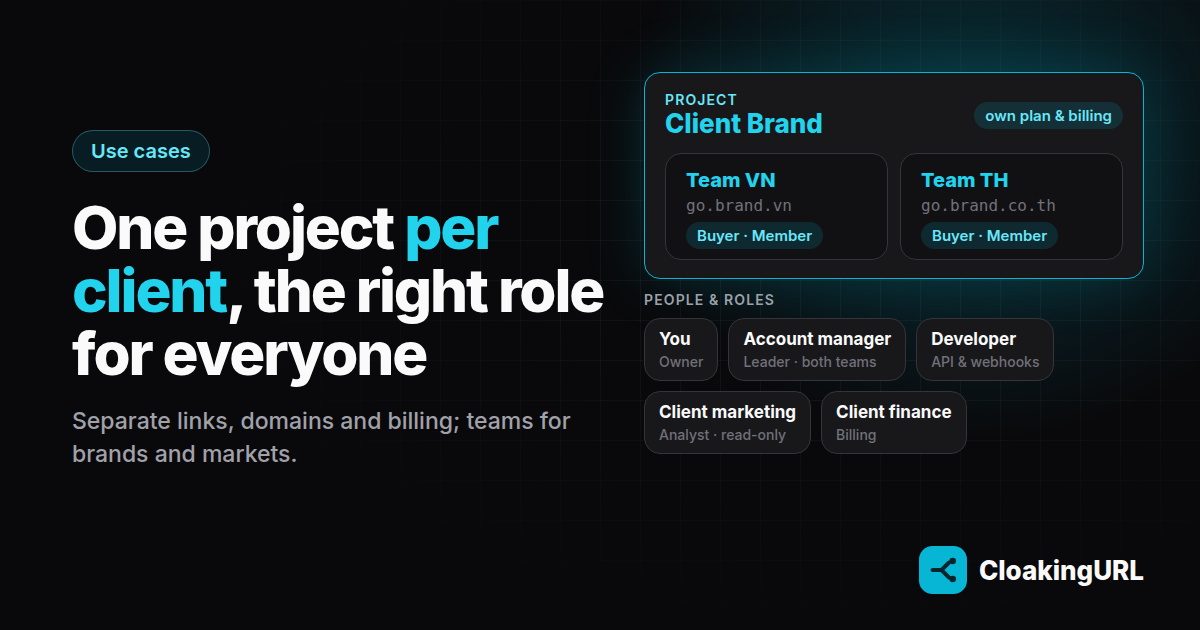
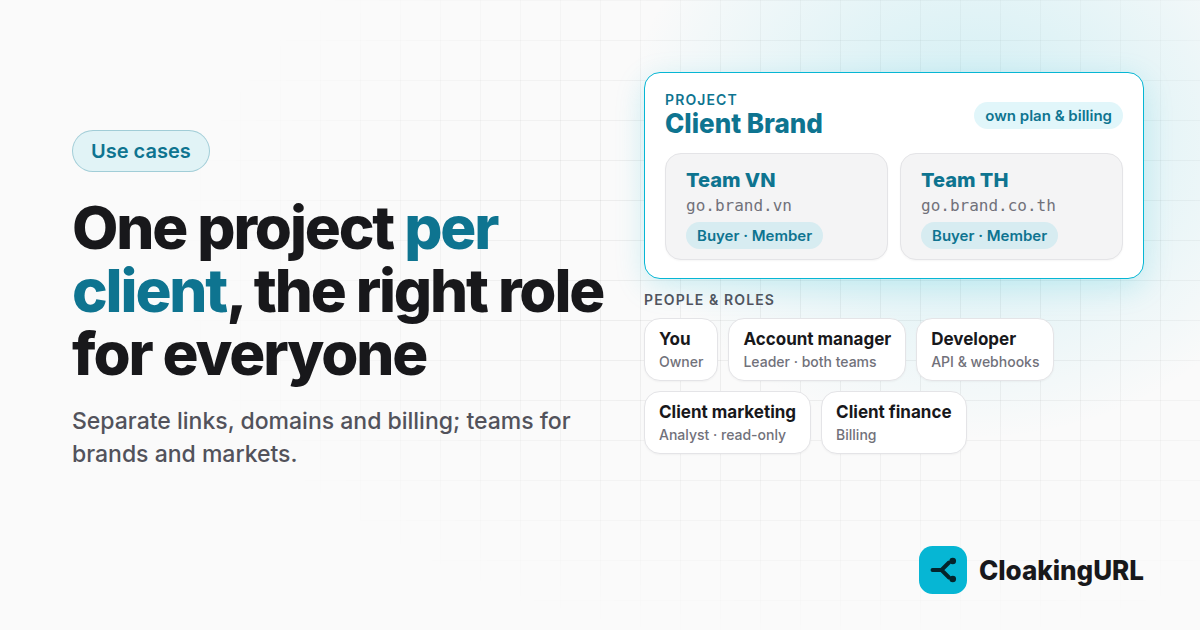
When one account holds links for ten clients, things go wrong: a buyer edits the wrong client's link, a client sees another client's campaigns, and nobody knows which invoice covers what. CloakingURL gives you two layers to prevent this: projects and teams.
Projects: one per client
A project has its own links, domains, users, teams and plan. Nothing is shared between projects, including billing. For most agencies the rule is simple: one project per client.
- Each client's short links run on their own domain, like
go.clientbrand.com. - Each project is billed separately, so you can pass the cost through or let the client pay.
- Switching between clients is one click in the project picker in the top bar.
Roles: what each person can do
Everyone you invite to a project gets a role. Give each person the least access their job needs, the principle of least privilege:
- Owner: everything, including billing, API keys and deleting the project.
- Admin: runs the project day to day: all links, domains, users and teams.
- Developer: API keys, webhooks and every link, for whoever wires up the client's systems.
- Member: creates and edits links inside their teams. They can't delete links or add domains.
- Analyst: read-only access to links and analytics. Good for the client.
- Billing: plans and invoices only, for the client's finance team.
Teams: several brands in one project
Some clients have several brands or markets. Teams (Starter plan and up) split one project further:
- Give each team the domains it may publish on. A Member in the “Brand A” team can only create links on Brand A's domain.
- A private team's members only see the links they created. A public team's members also see their teammates' links, but can still only edit their own.
- A team Leader sees and manages all of the team's links, can add domains for the team and manage its members.
An example setup
A client sells in two markets, Vietnam and Thailand, each with its own domain and its own media buyer.
- Create a project for the client and connect
go.brand.vnandgo.brand.co.th(one CNAME record each, see the custom domains guide). - Create two private teams, VN and TH, and give each its domain.
- Invite the two buyers as Members and add each to their market's team.
- Make your account manager Leader of both teams.
- Invite the client's marketing lead as an Analyst.
Each buyer works only on their own market's links; the account manager sees everything; the client can check the numbers any time without being able to break anything. For the campaigns themselves, see how one link can route every country to its own offer.
When someone leaves
Remove them from the project on the Users page. Their links stay where they are, and the API keys they created stop working the moment they leave, so a departed freelancer's scripts can't keep editing campaigns.
The users, teams & roles guide has the full permission table.