Link cloaking and SEO: how to protect your links without hurting your rankings
Link cloaking and SEO cloaking are not the same thing. What Google allows, what it penalises, and a setup that keeps your links protected and your site clean.
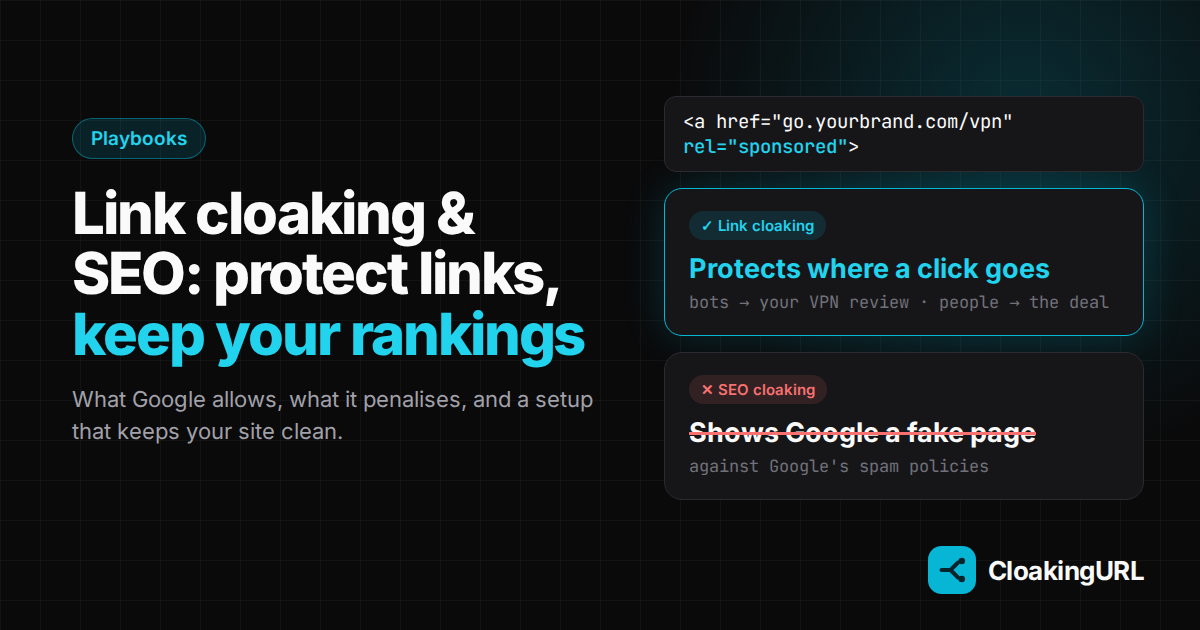
"Will cloaking my links get my site penalised?" It's the question we hear most from affiliates and content sites. The honest answer is: it depends entirely on what you mean by cloaking. One kind protects your links and is fine. The other kind is a Google spam technique that can take a site out of search. They share a name, so let's pull them apart.
Two things called "cloaking"
Link cloaking (also called link masking) is about the link: you share a short, branded URL such as go.yourbrand.com/vpn instead of a long affiliate URL, and the redirect decides where each click goes. Bots and scrapers can be sent to a safe, public page so they don't harvest your offer or your affiliate ID. This is what CloakingURL's cloaking does.
SEO cloaking is about a page you want ranked: showing search engines one version of a page (say, keyword-stuffed text) and people another, to trick the ranking. Google lists it, together with sneaky redirects, in its spam policies. Sites caught doing it can be demoted or removed from results.
The line is simple: link cloaking protects where a click goes; SEO cloaking lies about what a page is. Everything below keeps you on the right side of that line.
Do short links themselves affect SEO?
Mostly, no. A short link is a redirect, not a page. CloakingURL answers each click with a 302 (temporary) redirect, because the destination can change at any time: a new offer, a country rule, an A/B split. Search engines don't index the short link as a page of its own; they look at where it leads. Google explains how it treats each kind of redirect in its redirects guide.
Two practical consequences:
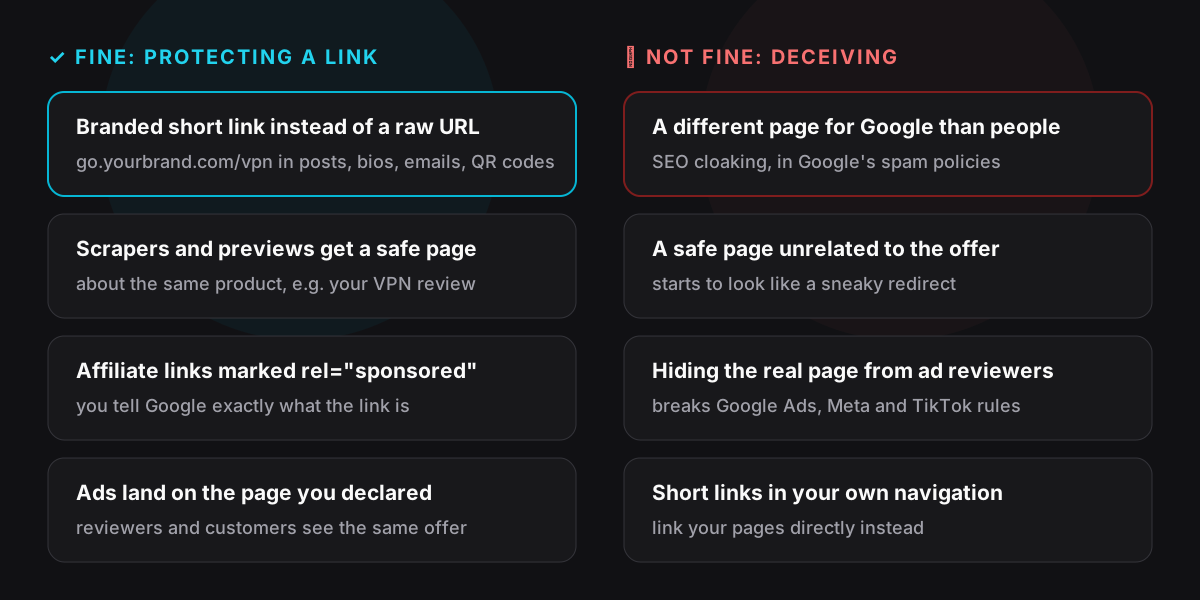
- Don't use short links for your own site's navigation. Menus, internal links between articles and your sitemap should point straight at the real URLs. Short links are for places off your site: social posts, bios, emails, videos, QR codes, ads.
- A branded domain doesn't rank you higher, but it gets clicked more.
go.yourbrand.comlooks trustworthy in a feed or a chat, and it's yours forever, so a link you posted years ago keeps working when you switch offers.
Mark affiliate and paid links with rel="sponsored"
When a cloaked link sits inside an article on your site, it is still a paid or affiliate link, and Google asks you to qualify those links:
<a href="https://go.yourbrand.com/vpn" rel="sponsored nofollow">Get the deal</a>
sponsoredtells Google the link is paid or affiliate;nofollowcovers older crawlers that don't knowsponsored.- Most CMSs and affiliate plugins can add this automatically for every link on your short-link domain.
- It doesn't hide anything. It is the opposite of cloaking: you are telling search engines exactly what the link is.
Choose a safe page Google would be happy to see
With bot filtering on, search crawlers that follow your short link land on the safe page. That's where a careless setup can start to look like a sneaky redirect: if the safe page has nothing to do with the offer, a crawler and a person are clearly being sent to different worlds.
Pick a safe page that is a genuine, indexable page about the same thing:
- Affiliate link to a VPN deal → your VPN review or comparison article.
- Private discount or pre-filled cart → the product's public page on your store.
- Partner offer → the merchant's public product page, without your parameters.
A good test: if a reviewer at Google opened the safe page and the money page side by side, would they agree both are about the same product? If yes, you're protecting a link. If not, rethink the safe page.
Never use cloaking against ad reviewers
Showing ad reviewers or platform moderators a different page from the one your customers get is against the rules of Google Ads, Meta, TikTok and practically every network, and against our Terms of Service. It's also the fastest way to lose an ad account.
For links you run in ads, the simplest rule is: leave the money page blank or make it the page you declared to the ad platform, and use cloaking only to keep scrapers and preview bots off. If an ad review could ever reach the safe page, the safe page must be the same offer.
Keep tracking parameters out of Google's index
Cloaked links pass your UTM tags and click IDs on to the destination, which is great for analytics, and messy for search if those URLs get indexed as duplicates (/vpn-review?utm_source=tiktok, /vpn-review?utm_source=email and so on).
Add a canonical tag on your landing pages that points at the clean URL:
<link rel="canonical" href="https://yourbrand.com/vpn-review">
Your analytics still sees every parameter; Google consolidates all the variants into one page.
Use the bot data to clean up your numbers
A useful side effect for SEO and content teams: CloakingURL classifies every click, so crawler and preview traffic stays out of your human numbers. Clicks, unique visitors and conversion rates reflect people, which makes it much easier to judge which articles and placements actually earn.
Checklist
- Short links only off-site; internal links and the sitemap point at real URLs.
- Every affiliate or paid link in your content has
rel="sponsored nofollow". - The safe page is a real, indexable page about the same product as the money page.
- Links in ads: the money page is the declared landing page, never something reviewers can't see.
- Landing pages carry a canonical tag, so UTM variants don't compete in search.
- Bot filtering on, so scrapers and previews don't harvest your offer or inflate your stats.
Setting it up takes two minutes: see cloaking & bot filtering in the docs, or read how link cloaking works first.